
How to Sign Up
How to sign up for BulkMail
Create your account, test the platform with 20 free credits, then follow the purchase and data health approval steps for live sending.

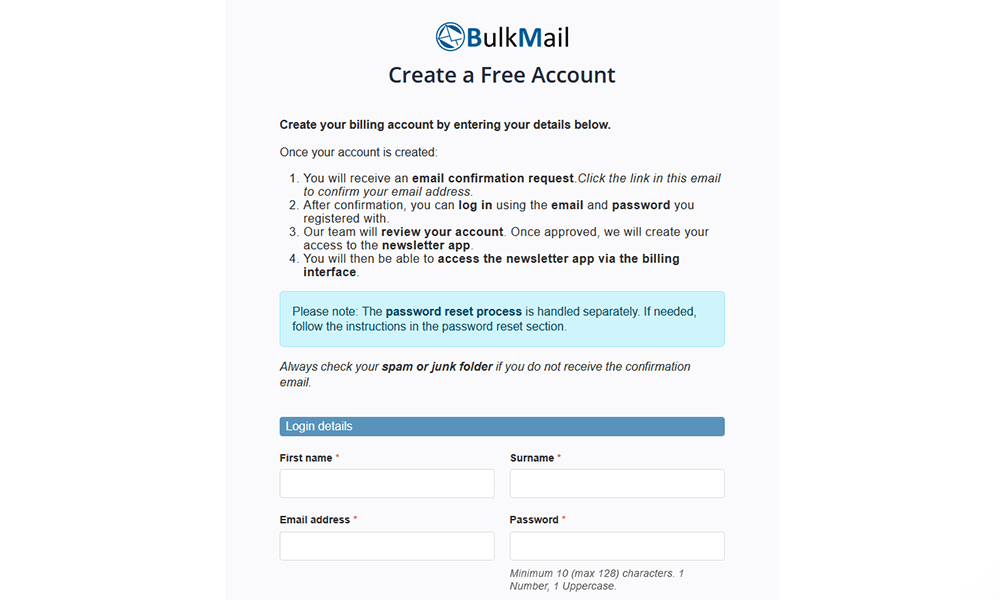
Step 1 - Create your account
Create your billing access where you can purchase credits and services. Your newsletter application login details are sent after account verification.
Test the full platform with 20 free email credits and a limit of 20 email addresses. Trial accounts are removed after 90 days.
Step 2 - Test our system
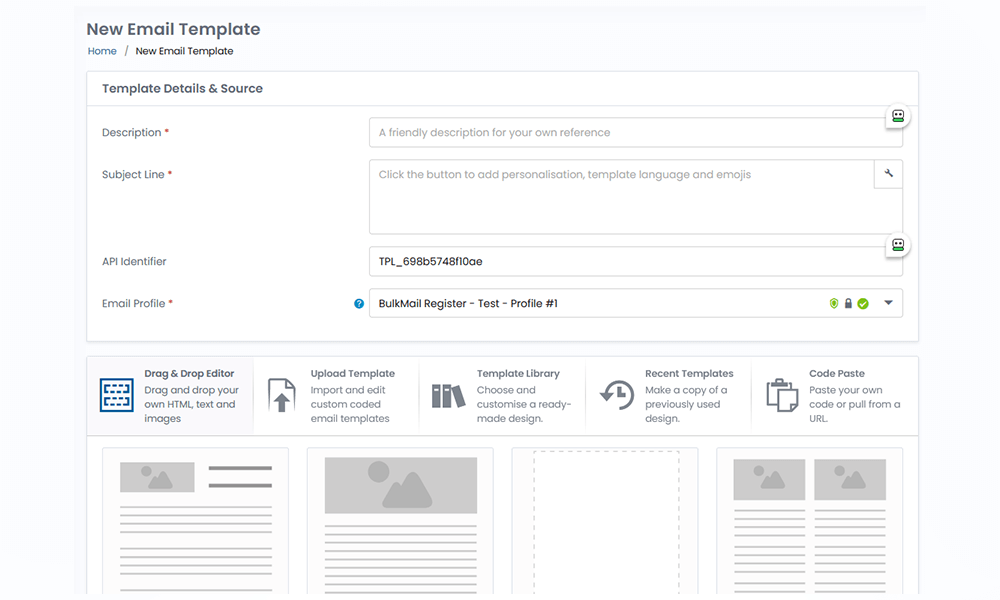
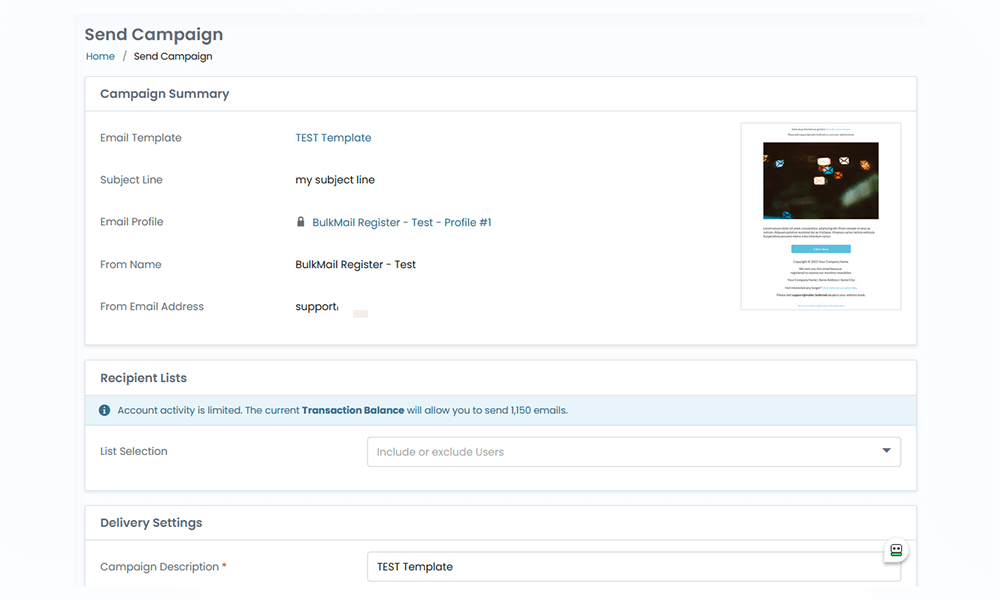
Before committing, we recommend testing the platform by creating lists, building campaigns, and reviewing reports.
This helps confirm the system meets your sending workflow and reporting requirements.
Step 3 - Purchase credits
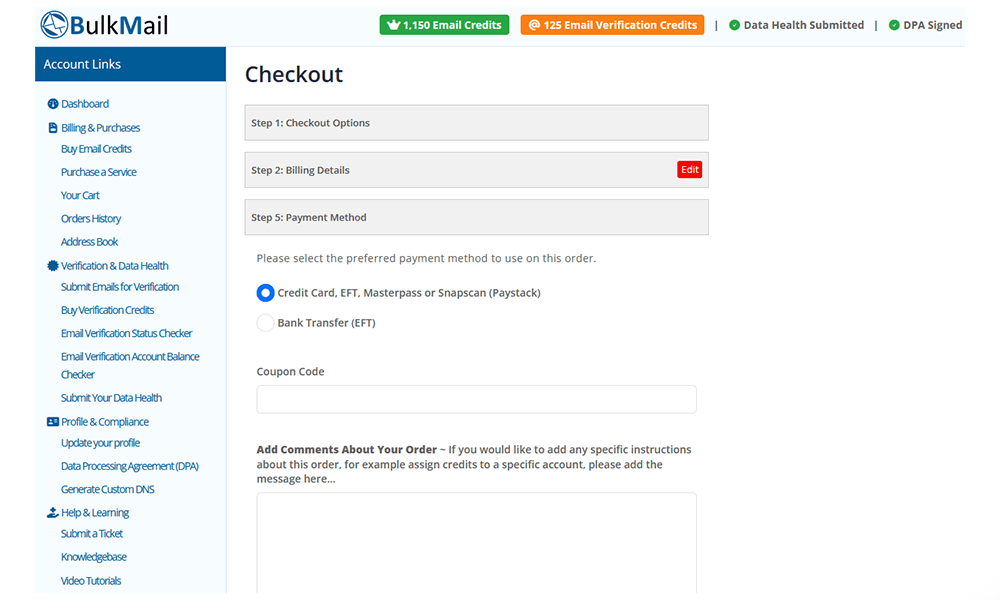
Buy email credits as needed. Purchased credits do not expire, and there are no monthly plans.
International customers can pay by credit card. South African customers can pay by credit card or other local payment methods available at checkout.
All prices are in South African rand (ZAR). The displayed amounts include tax for South African customers and exclude tax for customers in other regions. The numeric prices are the same for both.
Step 4 - Submit the data health form
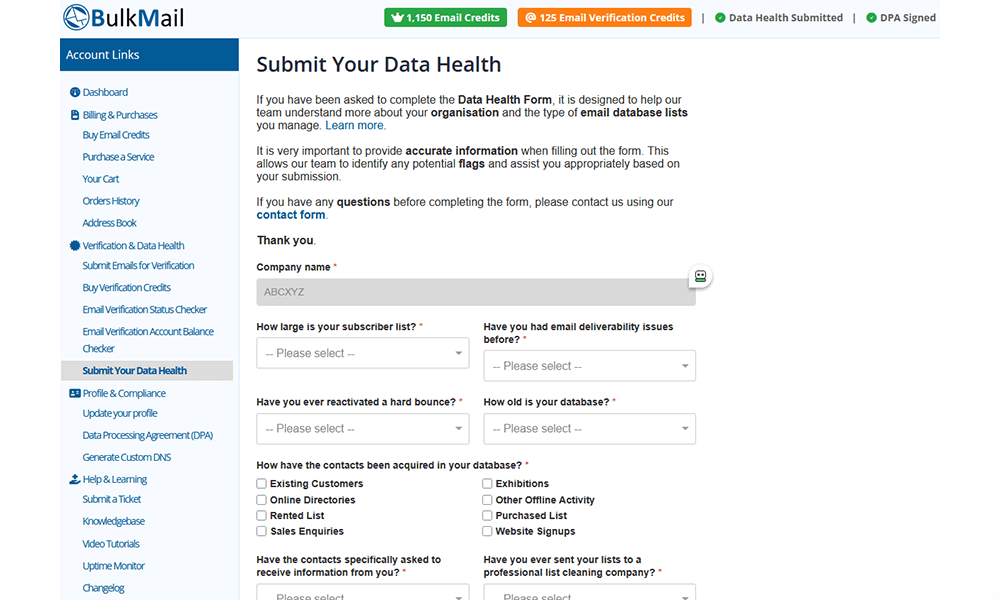
This is mandatory for all clients who send with the application. Before sending, complete the data health form after purchasing credits.
This process helps identify list-age and list-quality risks, and allows our team to recommend corrective actions before live sending.
Step 5 - Login and send
After your order is finalised and the data health process is complete, credits are assigned and your account is activated for full sending. You will receive confirmation by email.
New accounts and credit allocations are processed during working hours. Our South African team provides support Monday–Friday, 09:00–14:00 South African time (UTC+2), in English and Afrikaans.
Policy reminder: Please review our Anti-Spam Policy before purchasing credits.
Account, payment and support questions
What does the free account include?
Test the full platform with 20 free email credits and a limit of 20 email addresses. Trial accounts are removed after 90 days.
Which payment methods can I use?
International customers can pay by credit card. South African customers can pay by credit card or other local payment methods available at checkout.
When and in which languages is support available?
Our South African team provides support Monday–Friday, 09:00–14:00 South African time (UTC+2), in English and Afrikaans.