
How It Works
Learn how BulkMail works for your team
Follow a practical email marketing workflow from account setup to reporting, with tools built for reliable campaign delivery.
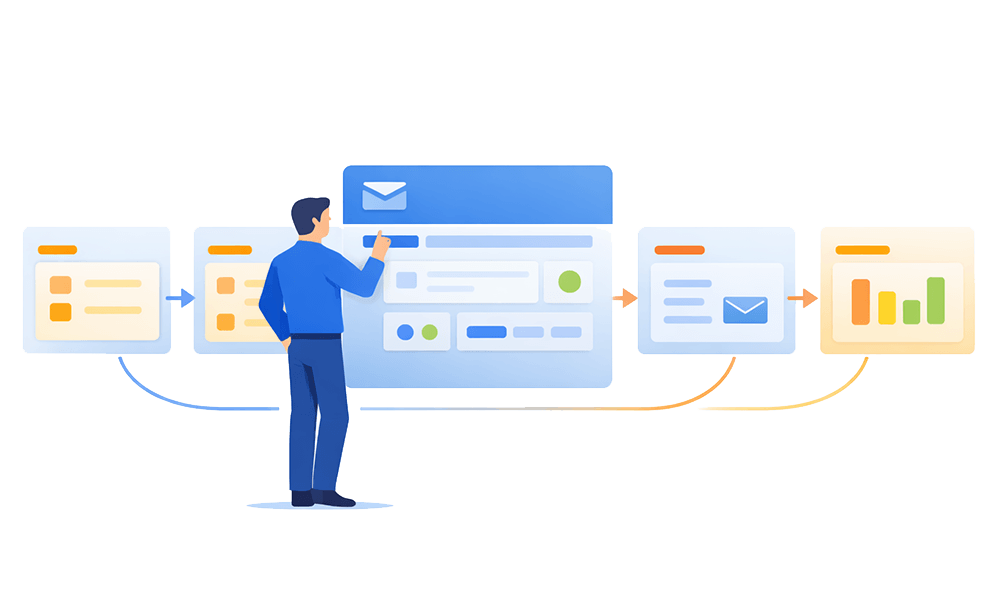
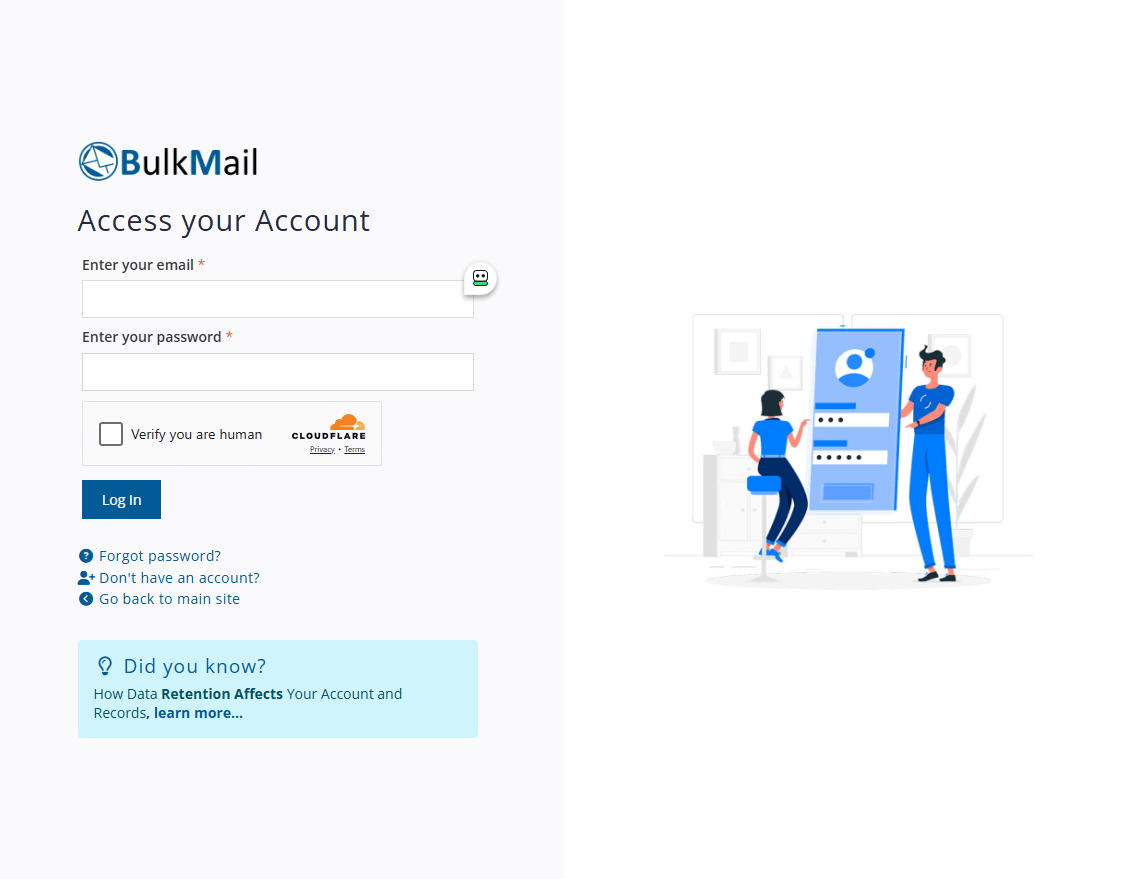
1. Create and test your account
Test the full platform with 20 free email credits and a limit of 20 email addresses. Trial accounts are removed after 90 days.
For live sending, purchase credits and complete the mandatory data health approval process. Billing and newsletter application access are separate; follow the sign-up guide for the full sequence.
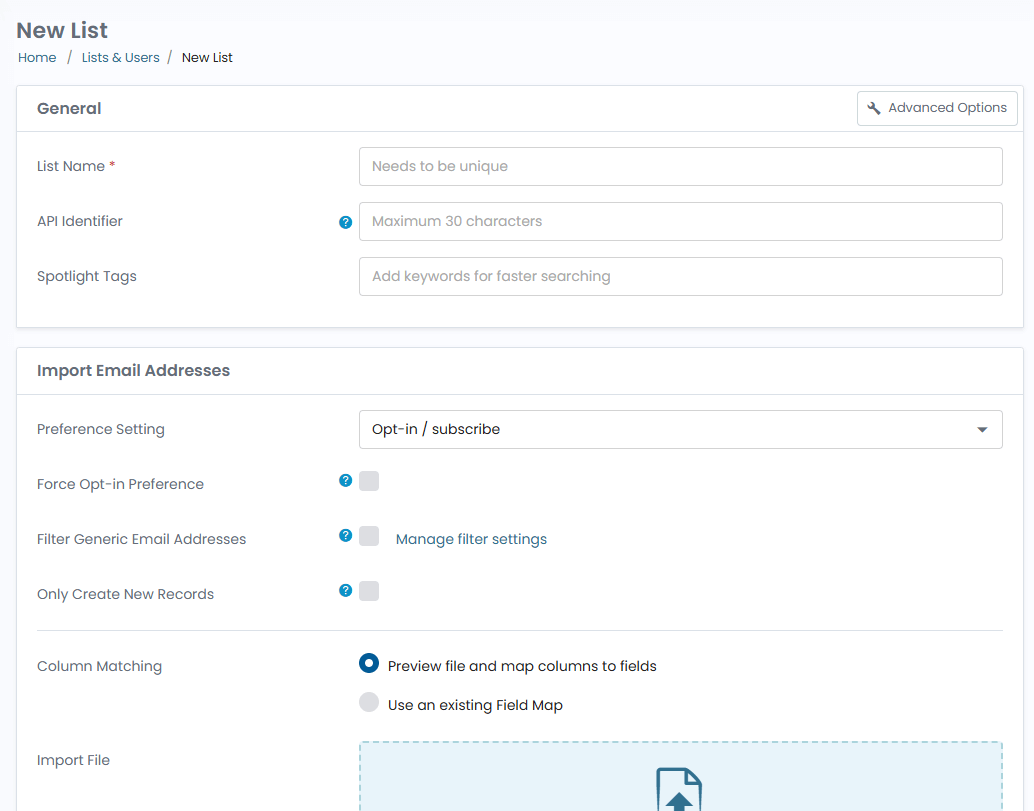
2. Create contact lists and import subscribers
Create your first list and import subscribers from CSV files, individual email entries, or bulk uploads.
Flexible import options help keep your list clean and allow targeted list segmentation across different lists.
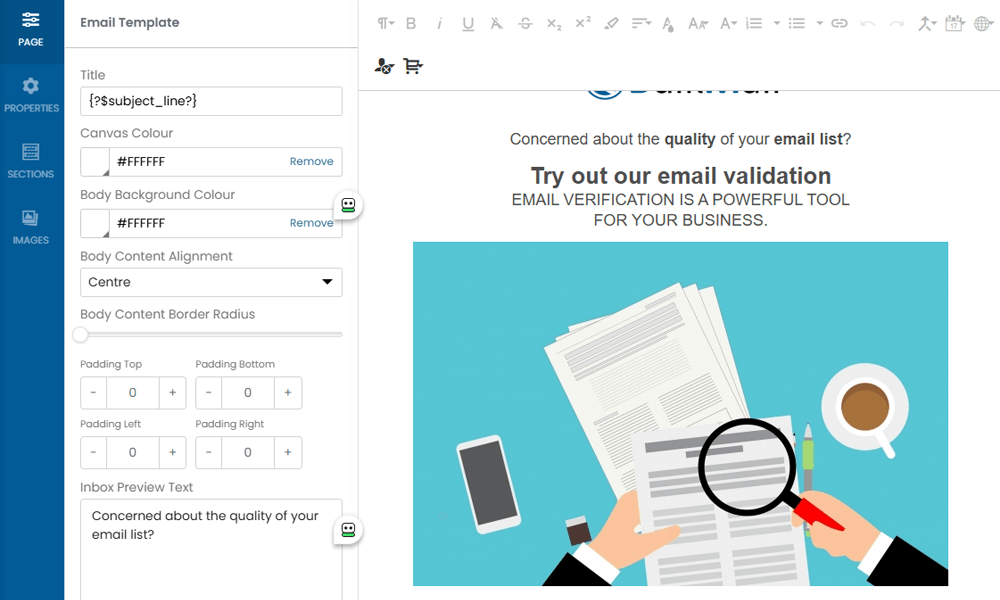
3. Design, import, or use the template builder
Get started quickly by importing an existing design or selecting from available email templates.
The newsletter builder supports live editing and responsive layouts for desktop and mobile email clients.
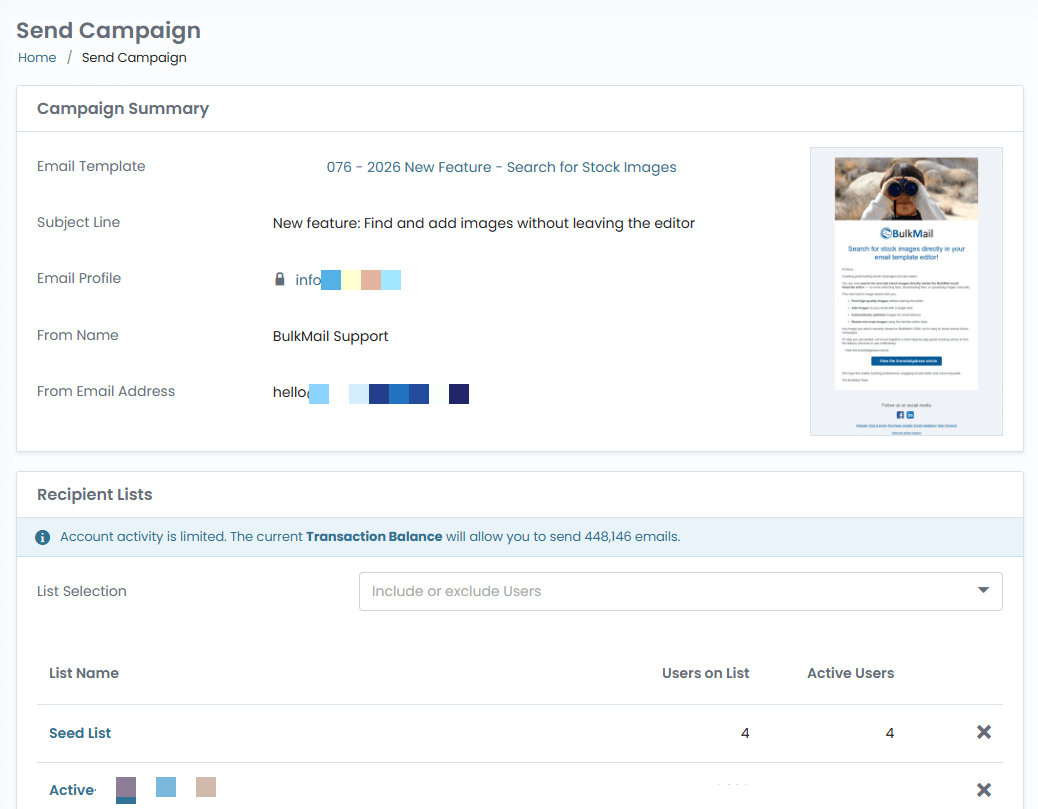
4. Prepare and send your campaign
Check your audience, content and test emails before scheduling a campaign. Live sending requires purchased credits and completion of the data health approval process.
Send to subscribers who have given permission, then review your campaign reports.
5. Review Campaign Analytics
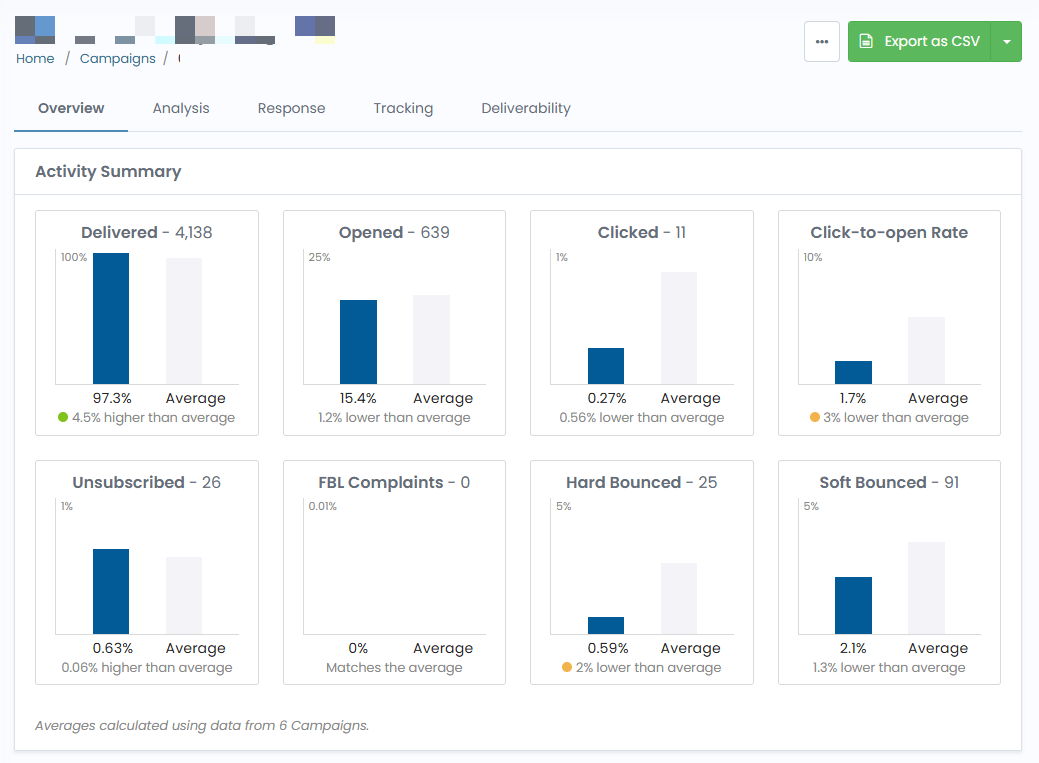
Open your campaign reports to review delivery results, including sent volume, bounces, unsubscribes, and spam complaints.
Use engagement analytics like opens and clicks to compare campaign performance and guide your next send.
Frequently Asked Questions
Can I start with a free account?
Test the full platform with 20 free email credits and a limit of 20 email addresses. Trial accounts are removed after 90 days.
Can I import contacts from a CSV file?
Yes. BulkMail supports CSV imports, individual contact additions, and bulk list uploads.
Do I need coding knowledge to build newsletters?
No. You can use templates and the visual newsletter builder to create responsive email campaigns.
Can I track campaign performance after sending?
Yes. BulkMail provides campaign analytics including opens, clicks, bounces, and unsubscribe data.
Do purchased credits expire, and are there monthly plans?
Buy email credits as needed. Purchased credits do not expire, and there are no monthly plans.
When and in which languages is support available?
Our South African team provides support Monday–Friday, 09:00–14:00 South African time (UTC+2), in English and Afrikaans.
Ready to launch your first campaign?
Start with a 20-credit test account and follow the approval steps before live sending.